
Analytics
Rage Clicks: What They Mean and How to Eliminate Them
· 6 min read
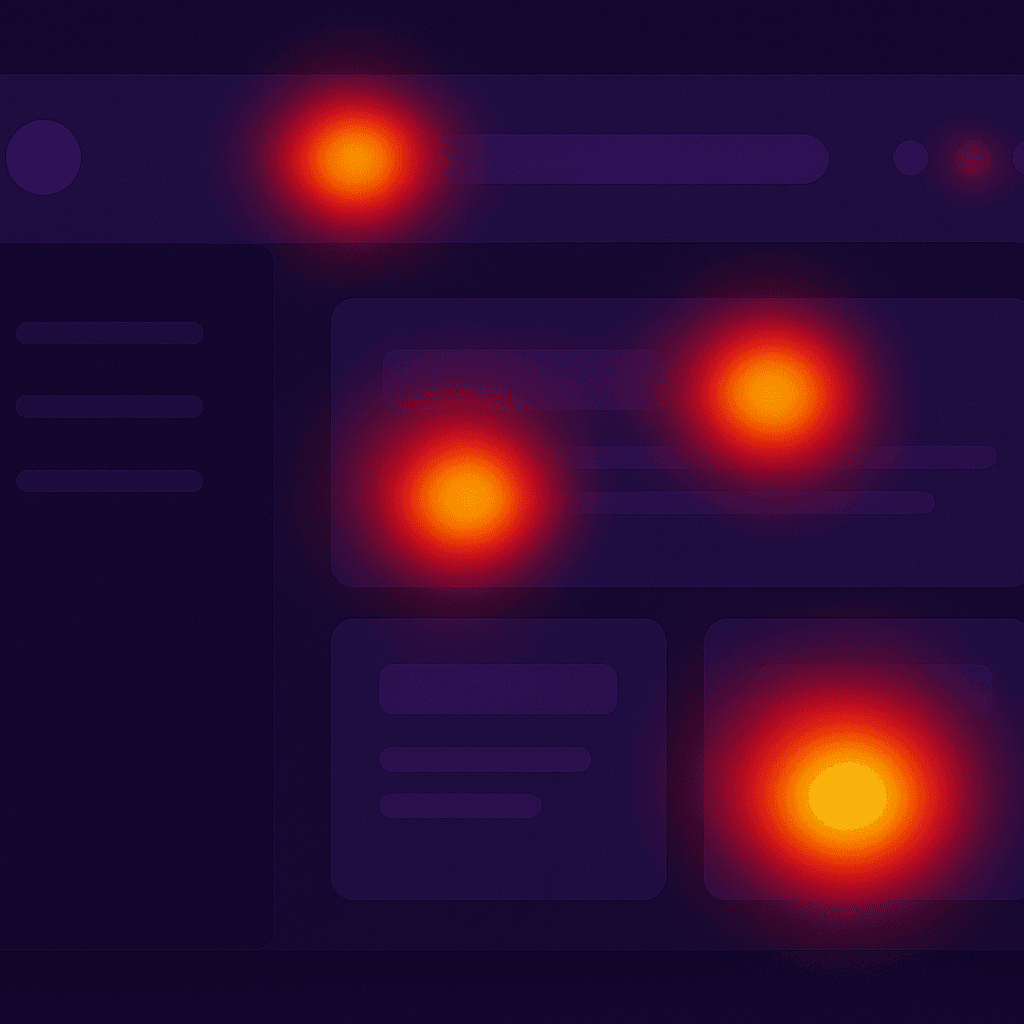
Rage clicks are one of the clearest signals of UX failure. This guide explains the five most common causes and how to fix each one.
A rage click occurs when a user clicks or taps the same element three or more times in rapid succession. It is one of the most reliable behavioral signals in product analytics because it almost always indicates frustration — the user expected something to happen and it did not.
Frantiko Session Insights surfaces rage click data automatically from the first-party tracking snippet. When you see a rage click cluster, it is telling you something specific. Here are the five most common causes and how to fix each one.
1. Delayed response with no feedback
The most common cause. The user clicks a button that triggers an async operation, sees no immediate visual change, and clicks again (and again). Fix: add a loading state to the button that activates immediately on the first click.
2. Non-clickable element that looks clickable
A heading, image, or styled div that visually resembles a button but has no click handler. Fix: audit your UI for elements with cursor-pointer CSS or a card-like appearance that lack interactive behavior. Either add the interaction or remove the visual affordance.
3. Disabled button with no explanation
A button that is disabled because a form is incomplete or a permission is missing, but which gives the user no indication of why it is disabled. Fix: add a tooltip or inline message that explains what the user needs to do to enable the action.
4. Broken click target on mobile
A touch target that is too small (under 44x44px) or partially obscured by another element. The user taps repeatedly because each tap fails to register. Fix: audit tap targets on mobile using Chrome DevTools mobile simulation. Increase padding on small interactive elements.
5. State not updating after action
The user clicks a button, something happens server-side, but the UI does not reflect the change. The user clicks again to "try again." Fix: ensure that server actions and API calls optimistically update the UI or trigger a refetch that updates the displayed state.
Every rage click is a user telling you something is broken. Frantiko Session Insights ranks rage click targets by frequency so you know which fix will have the biggest impact on user experience.
How to act on rage click data in Frantiko
- Open Dashboard > Session Insights > Rage Clicks
- Click the top rage click target to see the affected element and a sample session replay
- Copy the element description into AI Fix Center
- Review the generated fix prompt and paste it into your AI builder
- Deploy the fix and monitor the rage click rate in Session Insights over the next 48 hours
Try Frantiko for free
AI Architect, Session Insights, AI Fix Center, and Product Reports — all in one place.
Get started free