
AI Building
Writing AI Fix Prompts That Actually Resolve Issues the First Time
· 5 min read
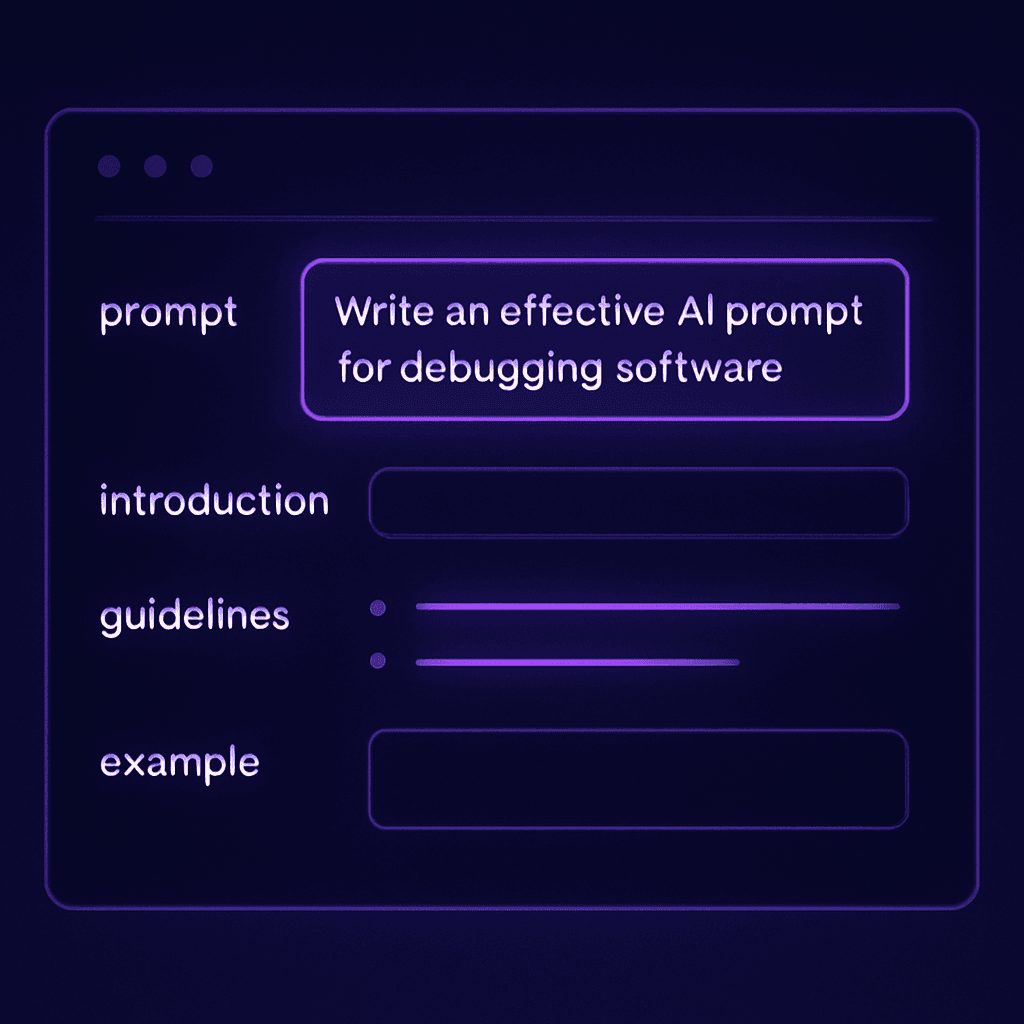
Vague prompts produce vague fixes. This guide shows exactly how to structure a fix prompt to get precise results from any AI builder.
The most common reason an AI builder fails to fix a bug is not that the model lacks capability — it is that the prompt lacks context. A vague prompt like "Fix the login not working" gives the model almost nothing to reason about. A structured prompt that includes the error message, the affected component, the expected behavior, and any relevant code context gives the model everything it needs.
The anatomy of an effective fix prompt
Every effective AI fix prompt has five components:
- The error — the exact error message or user complaint, verbatim
- The context — which page, component, or flow is affected
- The expected behavior — what should happen instead
- The current behavior — what actually happens
- Any relevant code — the function, component, or query that is most likely involved
What Frantiko AI Fix Center does
AI Fix Center takes the raw error or complaint and generates a structured fix prompt for your preferred AI builder. It uses the context from your blueprint (if available) to enrich the prompt with database schema, API route definitions, and component names — so the model has the architectural context it needs to produce a precise fix rather than a generic suggestion.
Example: before and after
Vague prompt (low success rate)
"Fix the error on the dashboard page when users try to save their profile."
Structured prompt (high success rate)
"The PATCH /api/user/profile endpoint returns a 500 error when the user submits the profile form on /dashboard/settings. The error message is: 'TypeError: Cannot read properties of undefined (reading \'id\')'. The expected behavior is that the profile is updated and the user sees a success toast. The current behavior is that the form submits, the request fails silently, and the toast never appears. The route handler is in app/api/user/profile/route.ts. The userId is expected to come from the session but may not be available in this context."
The structured version gives the model the error type, the route, the file, the expected output, and a hypothesis about the cause. That is everything a developer would need to diagnose the issue — and it is everything the model needs too.
Common patterns to watch for
- Session/auth errors — the most common source is the userId not being passed to a server-side function
- Type errors — usually caused by an API response shape that differs from what the frontend expects
- Async errors — functions that need to be awaited but are not
- Missing environment variables — especially common after first deploy to a new environment
Try Frantiko for free
AI Architect, Session Insights, AI Fix Center, and Product Reports — all in one place.
Get started free